
Self Hosting – Little cabling upgrade & display info
 Ellie
Ellie
Hey Folks, just a quick note on a really nice little bit of upgrade I did on my network rack. Also, while I’m here, I realized that I never posted the screen setup I got on the rack!
So initially, I had plans for an integrated display on the rack where I would display the status of every components of the rack and stats. Basically, a visualization of the services Healthbar provides (one of my VM host that has my monitoring services). The setup and what is being displayed will have to wait until another post as it’s not final and it would need some redacting (I don’t feel like doxing myself today 😁) but I promise at some point I will show the whole thing! In the meantime, you can see it in action here (with the cable upgrade too):
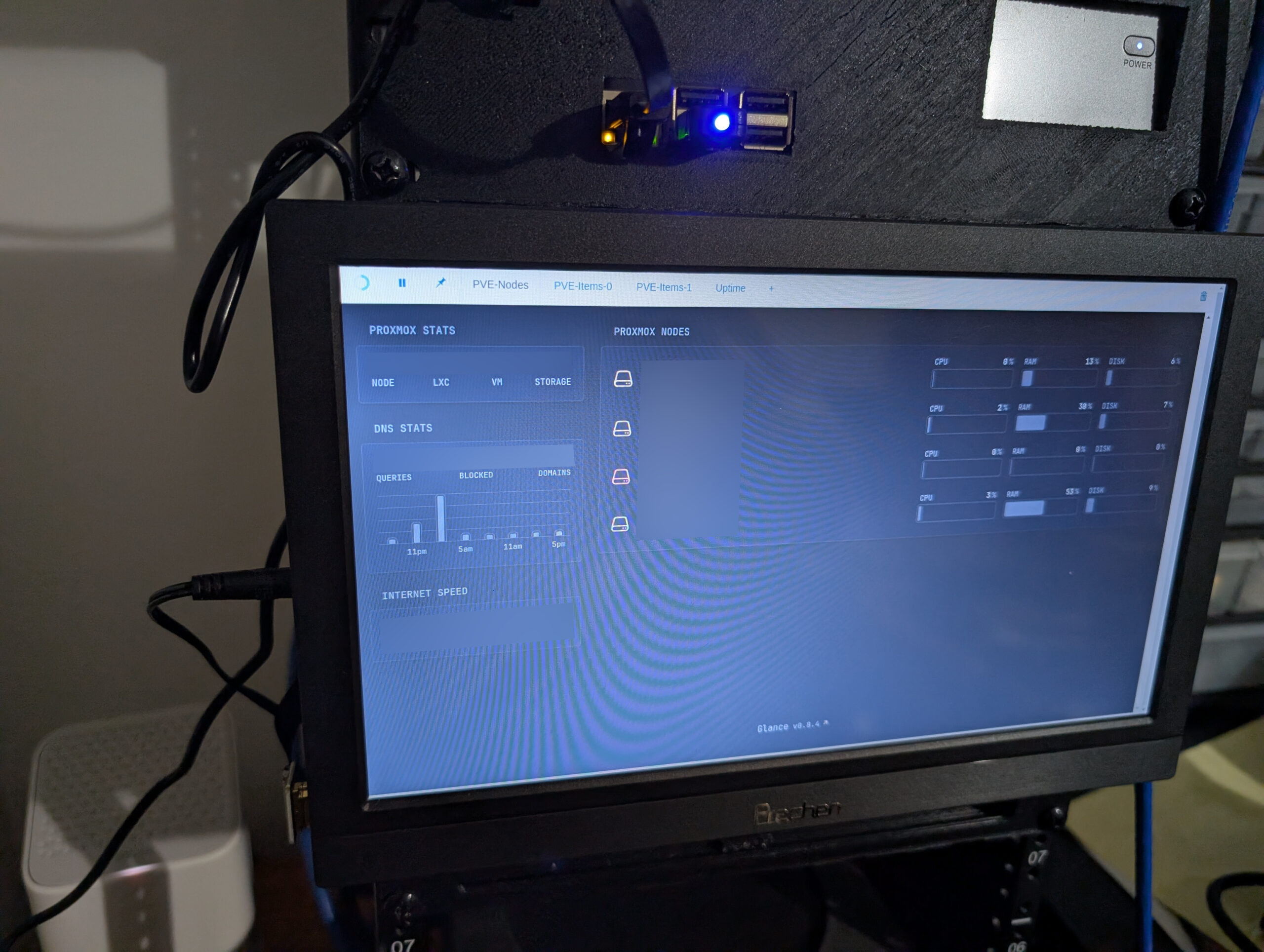
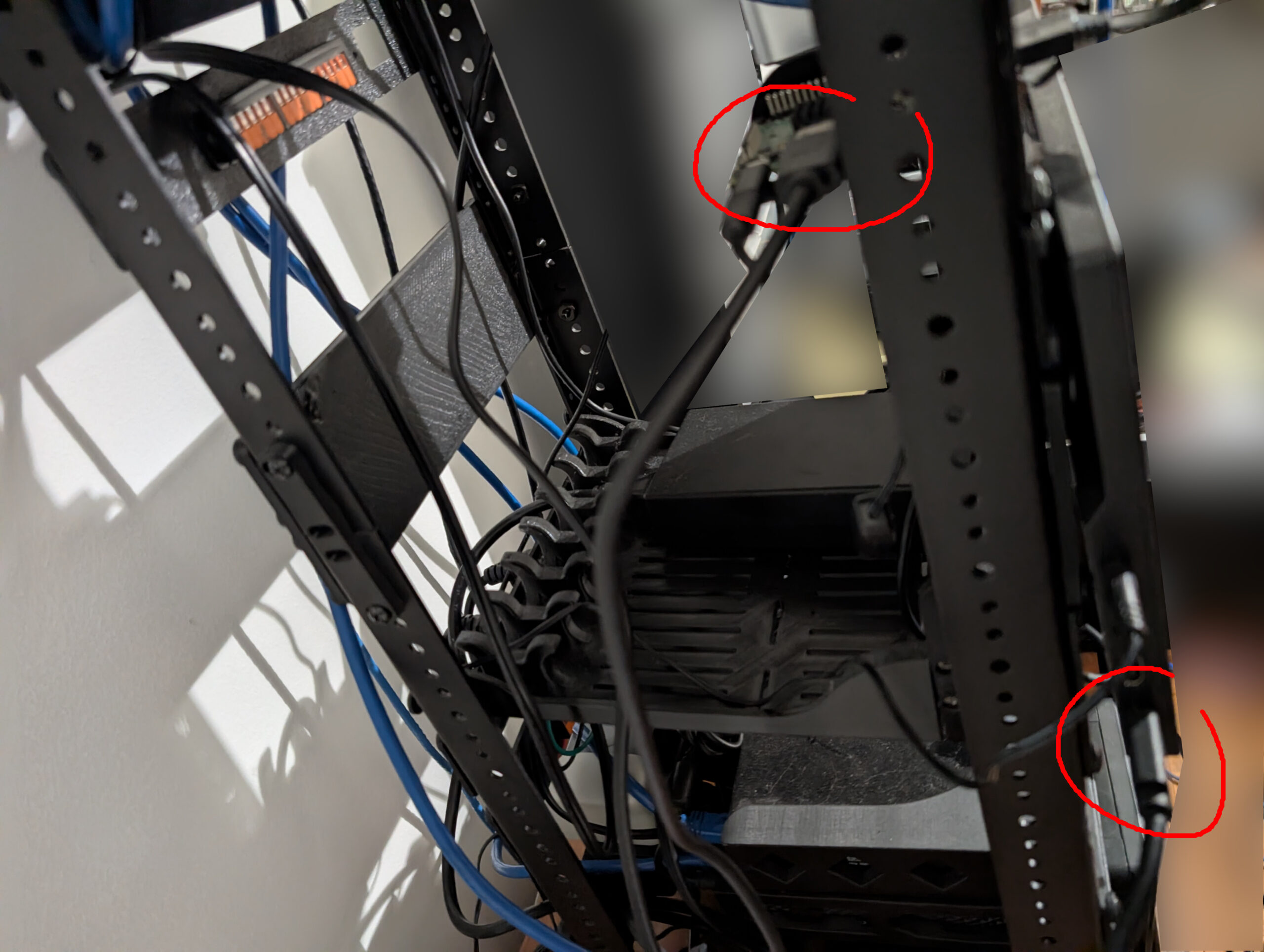
As I was mentionning, I upgraded the disgustingly long cable that was connecting the rPi to the screen for a more tidy one. It’s in fact a modular one that uses a ribbon cable to do the joint inbetwen both ends. So I went from this:
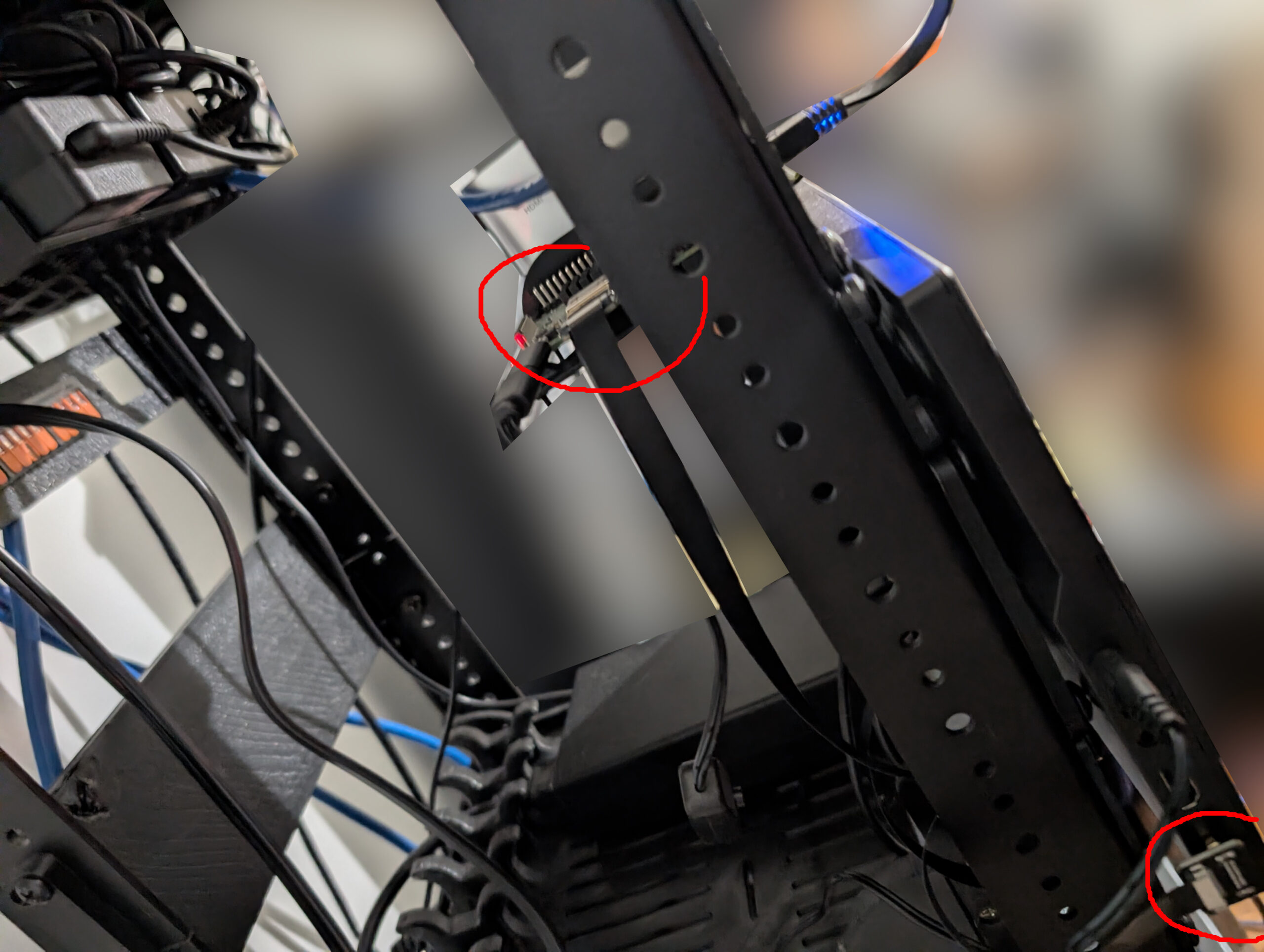
to this wonderful tidy cable:
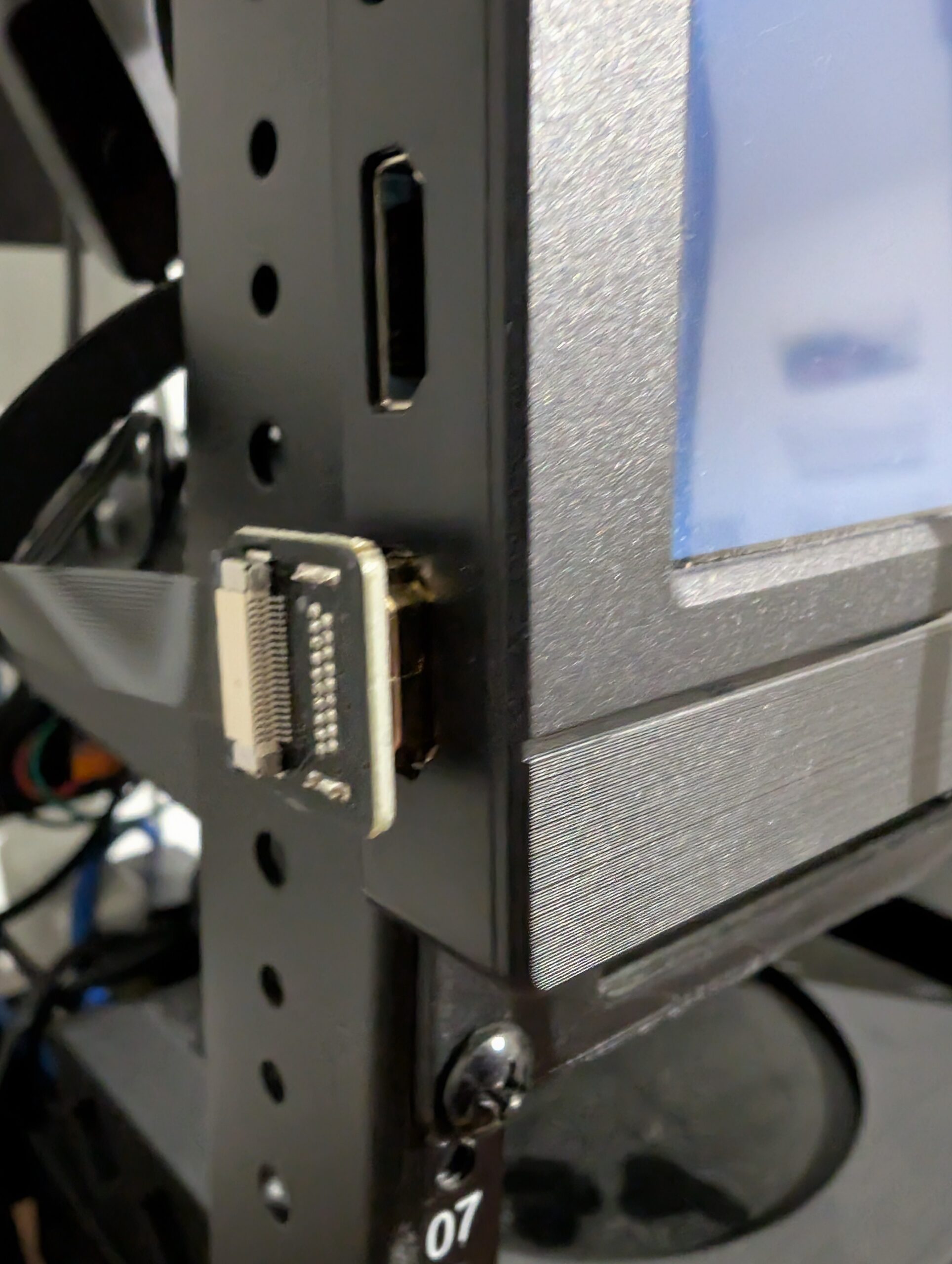
Also, a picture of both ends how they connect. I think it’s really neat.
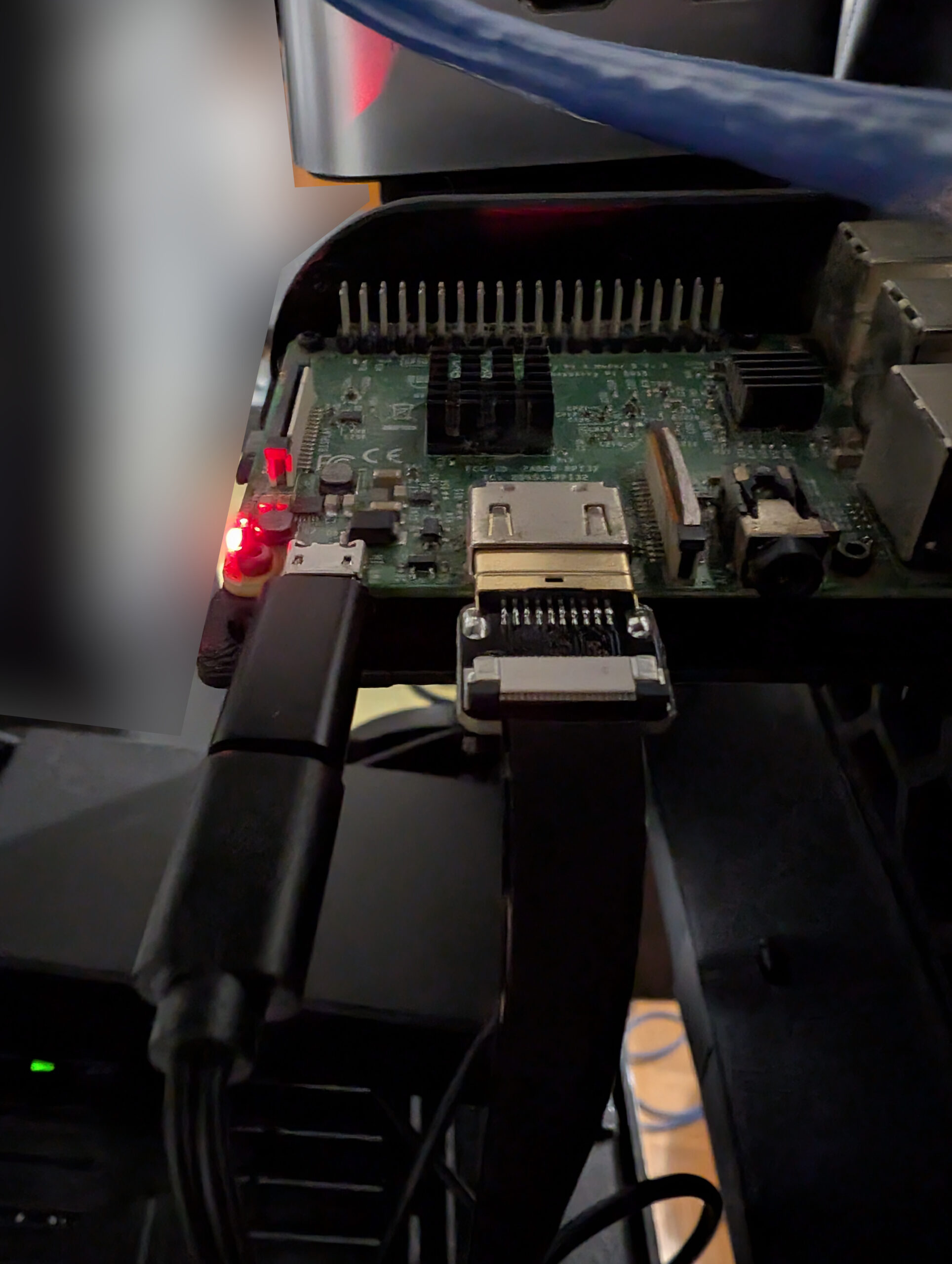
All in all, I think the new cable is a neat addition, it beats having a bunch of cables all around and a messy rack!
Hope you enjoyed!
